No sign-up
Play instantly. You only need an account for leaderboards and syncing across your devices.
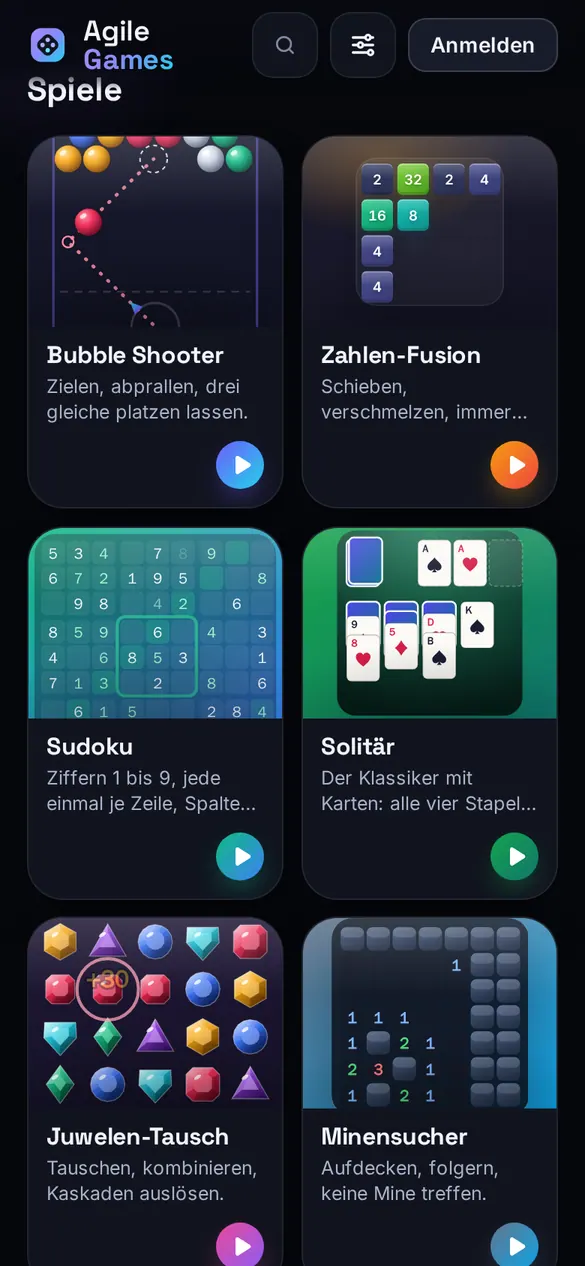
Bubble Shooter, Sudoku, Solitaire, Mahjong and six more classics, rebuilt with their own look and sound. No sign-up, no ads, in your browser, on your phone and on your computer.
The games
Every game has its own look, its own sounds, a three-picture guide and its own achievements. Your progress saves itself and picks up exactly where you left off after a reload.
Start right away
Open the page, tap a game, go. Without an account everything stays on your device: progress, records, achievements and settings.

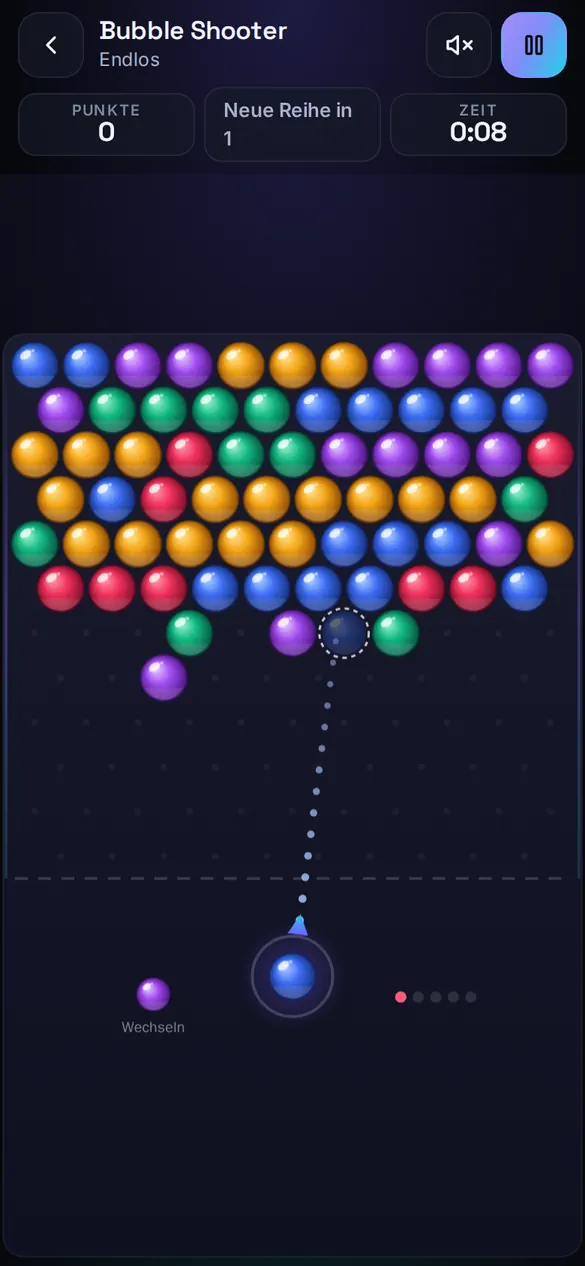
Play instantly. You only need an account for leaderboards and syncing across your devices.
Every move is saved. Close the tab, put the phone away, continue tomorrow: your game is waiting.
Swipe and tap on your phone, keyboard and command palette (Ctrl/⌘ + K) on your computer, plus controller support.
No violence, no gambling mechanics, no loot boxes, no chats. Just good games.
Daily challenge and leaderboards
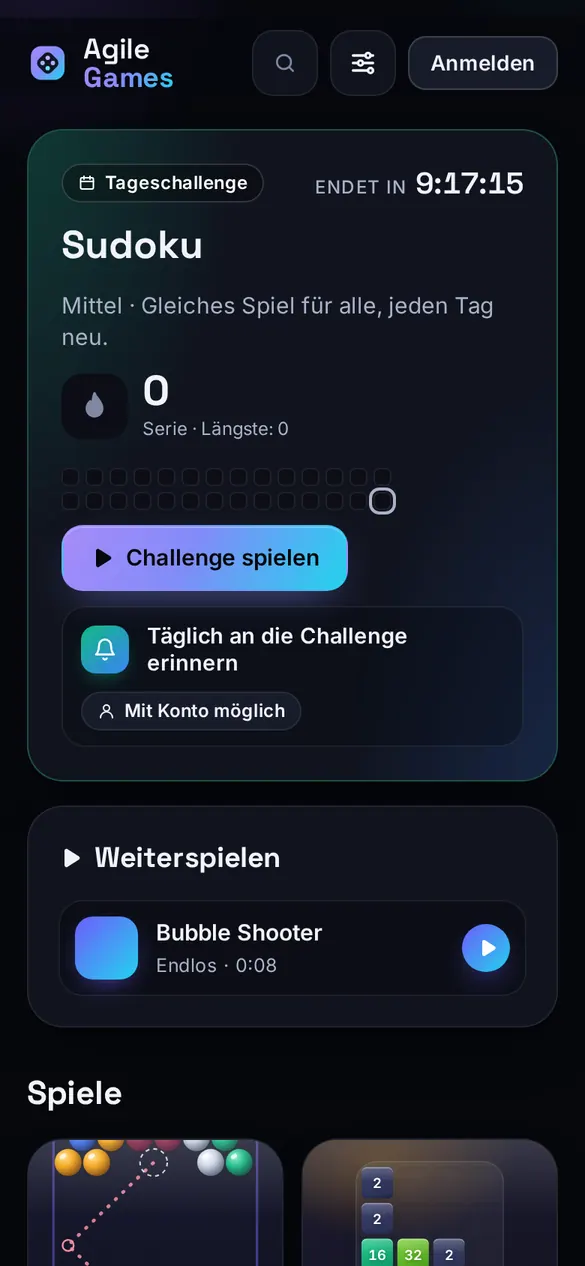
Every day Agile Games picks one game and one deal, the same worldwide. Can you beat it? With an account your result goes into the day’s ranking.
Play the challenge on as many days in a row as you can and watch your streak grow in the calendar.
Today, this week and all time, per game and mode. The server replays every game move by move; only verified results make the list.
Lists only show your nickname with a pattern avatar. No profile pictures, no chats, a report button for unsuitable names.
Your result as an image and a link to the very same game: “Can you beat this?”
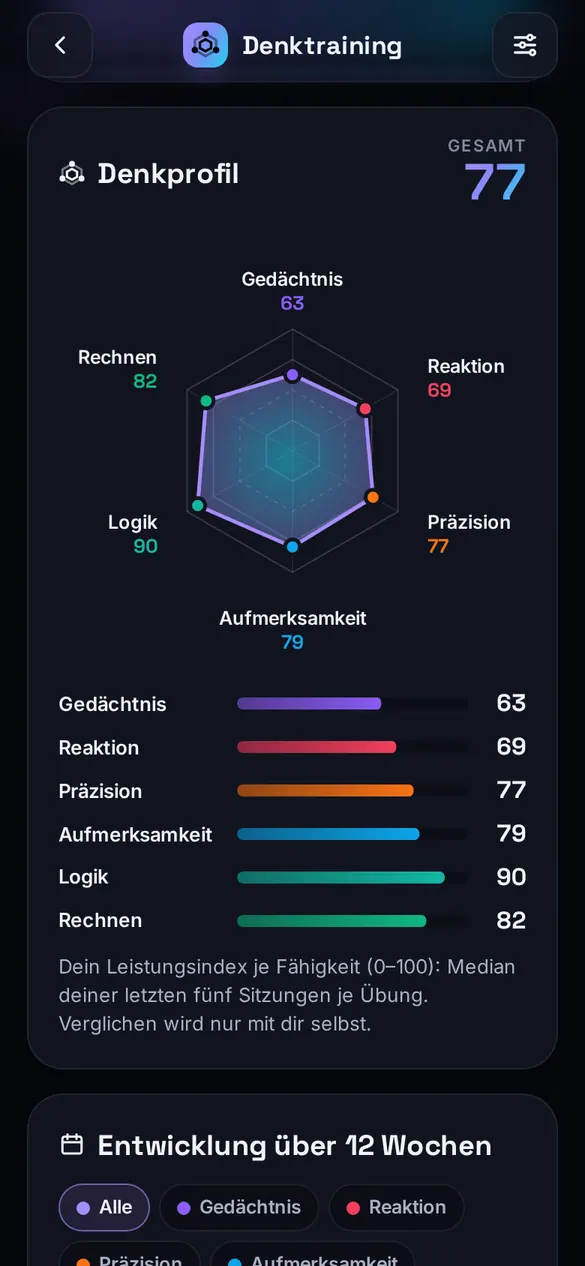
Mind training
Eleven short exercises of one to three minutes. The difficulty follows your performance and the measurements are clear: span, milliseconds, hit rate. Your mind profile shows how you develop over the weeks.
Three changing exercises a day, one from each group, with its own streak.
Six skills at a glance, personal bests and your progress over recent weeks. You compare yourself with yourself.
Reaction times are measured to the frame, false starts are detected and the refresh rate is taken into account.
The exercises are games. They make no health claims.
Everywhere
One game, many ways: in your browser, as an app on your phone’s home screen or as a program for your computer. It even works without the internet.
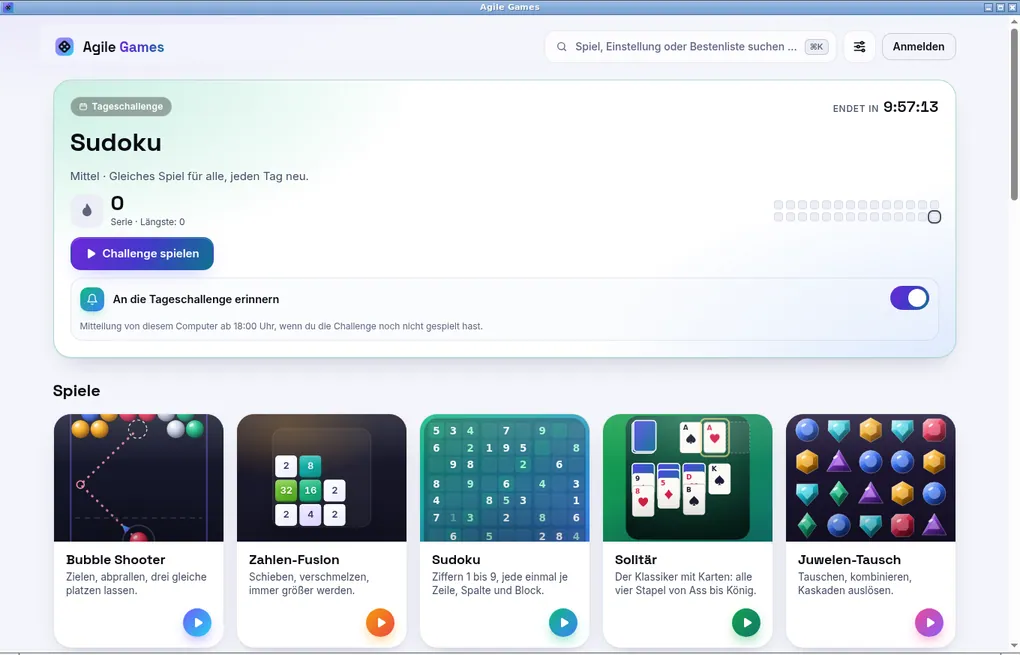
Its own window, true full screen, gamepad, daily challenge reminder and automatic updates. All games are included and run without the internet from the very first start.
Add Agile Games to your home screen straight from the browser: its own icon, full screen, no browser bar, and the screen stays on while you play.
Get the appAll games and exercises work without a connection. Results are submitted as soon as you are back online.
With an account
With an account (email and password; you confirm new devices with a code from your email) your games, records, achievements, streaks and mind profile sync between phone, browser and computer.
When you sign in, your progress from the device is carried over. If two records meet, the better one wins.
Only with an account and a nickname. Without one you play just the same, just for yourself.
You can delete your account and all data yourself in the settings.
Privacy
No ads, no third-party trackers, no in-app purchases. What we count, we count without personal data.
No banners, no ad videos between rounds.
No analytics services, no third-party cookies. Statistics only as daily counters without personal data.
Accounts, results and leaderboards live on our own servers in Germany.
Without an account your progress stays on your device only. We never see it.
No in-app purchases, no loot boxes, no game currency.
API and MCP access for your own tools, with your own key from your account.
No. All games and exercises work instantly without signing up; your progress then stays on your device. You need an account for leaderboards, the daily challenge ranking and syncing between devices.
No. Agile Games shows no ads and has no in-app purchases, no game currency and no loot boxes.
On iPhone: open the page in Safari, tap “Share” and “Add to Home Screen”. On Android: in Chrome, choose “Install app” from the menu. Agile Games then starts like an app, full screen and offline too.
Yes, for Windows and Linux (deb, rpm, AppImage) on the download page. The macOS version is in preparation. In the browser Agile Games runs on any system.
Yes. All games and exercises run offline, in the browser after your first visit and in the computer app from the very first start. Leaderboard results are submitted when you are back online.
It is carried over to your account and merged with what is already there. For records the better value wins, nothing gets lost.
Every day there is one game in one of the titles, the same for everyone. Without an account your streak counts locally, with an account you enter the day’s ranking.
Leaderboard results are replayed move by move on the server. Only what comes out of that counts. Implausible times and tampered logs are rejected.
No. The exercises are games for memory, reaction and focus. They show how you develop but make no health claims.
For all ages: no violence, no gambling mechanics, no chats. For leaderboards you only choose a nickname.
One tap is all it takes. No sign-up, no ads, on any device.
Agile Games is a product by Agile Developer.